Multi-tenant commerce platform
Sell online without handing over your payments
Most platforms sit between you and your customer's card. Dikafy doesn't. You connect your own Stripe or PayPal account, and every payment settles directly to you — no platform payout, no waiting period, no revenue share.
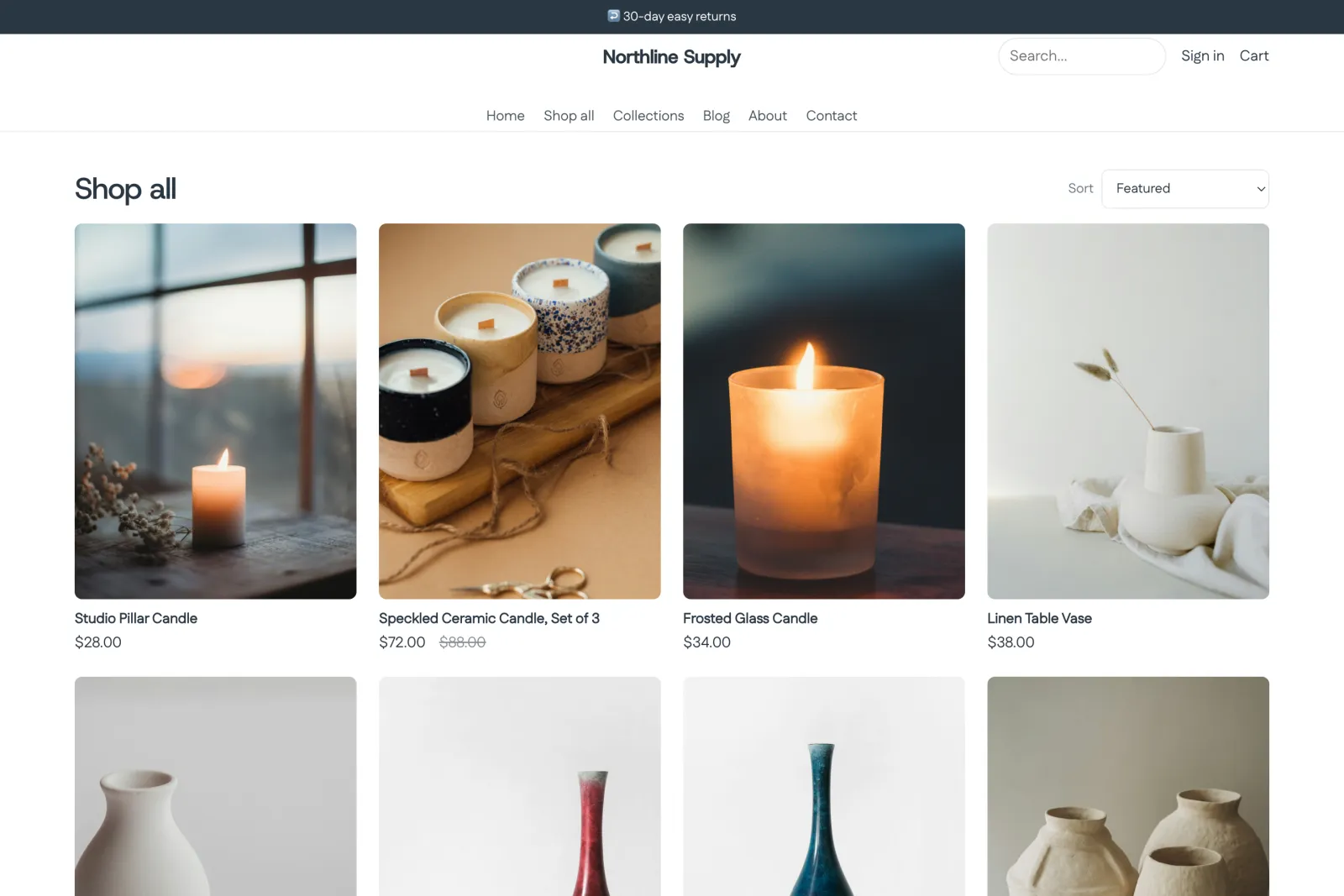
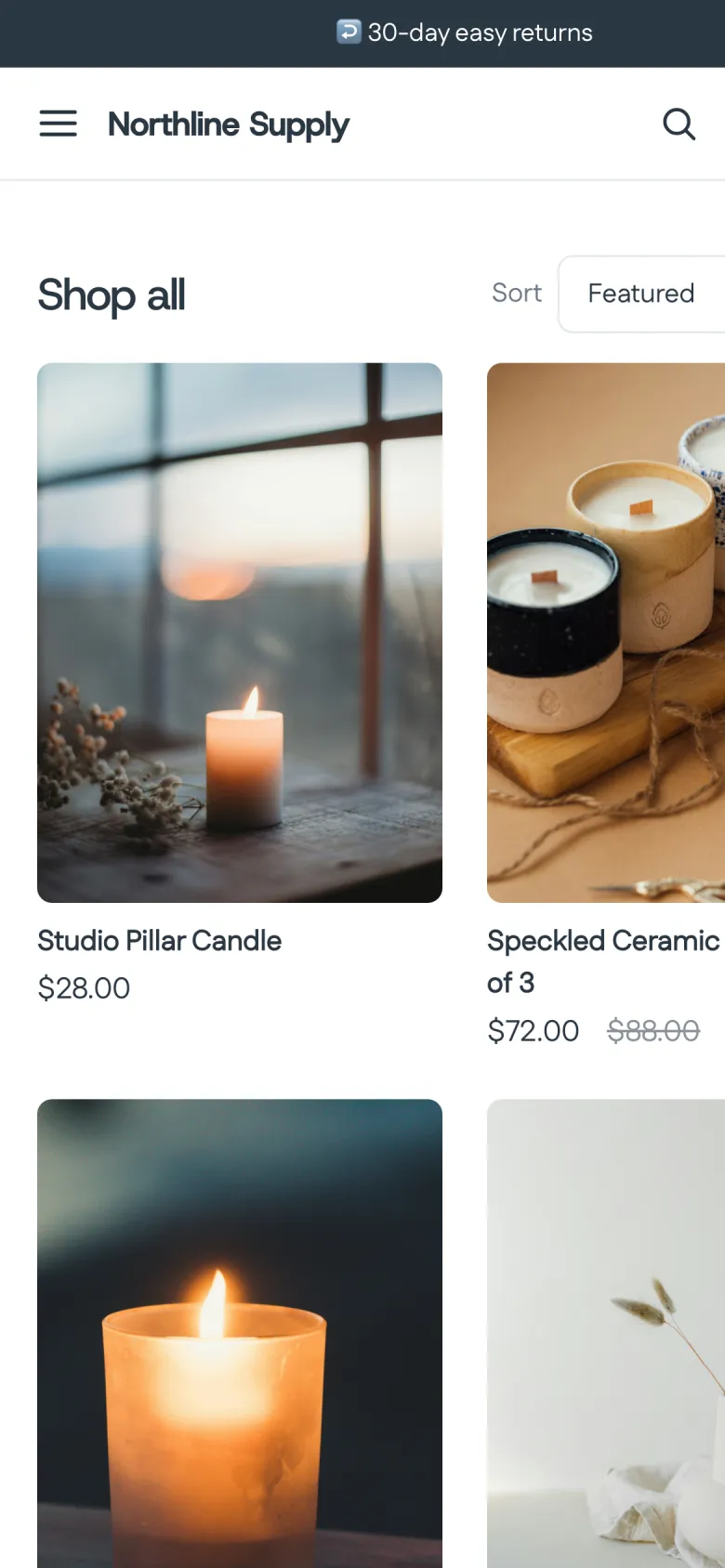
A real storefront running on Dikafy. Northline Supply is our demo store — not a customer — and its product photography is licensed for this use.
Built for real stores, not demos
- 75
- storefront sections
- 15
- installable themes
- 2
- live payment gateways
- 0%
- cut of your revenue
How the money moves
The payment goes to you. We are not on the line.
This is the one thing neither of the big platforms can say. They stand between the buyer's card and your bank, which is what gives them a payout schedule, a reserve, and a percentage. Your gateway is yours, so none of those exist here.
software only — never touches the funds
- Your buyerpays at your checkout
- Your gatewayyour own Stripe or PayPal
- Your banksettled on your gateway's schedule
No platform wallet. No payout hold. No cut of the sale.
What you get
The whole order lifecycle, from the first page view to the refund.
Themes and a visual builder
Sixteen installable themes and a drag-and-drop builder with 75 sections. Edit the header, footer, product page and cart drawer as blocks; preview changes against your real storefront before you publish.
Your own payment gateway
Attach your own Stripe or PayPal account. Credentials are envelope-encrypted, every amount is verified against the provider before an order is created, and settlement goes directly to you.
One-click post-purchase upsells
Authorize at checkout, offer after the buy button, capture once. Accepted offers become line items on the same order — one payment, one shipment, one receipt, real AOV.
Shipping, tax and fulfillment
Shipping zones and rates, tax rates, inventory that decrements on payment, partial fulfillments with tracking, cancellations and restocks.
Analytics and attribution
Orders, revenue and conversion with UTM attribution, plus a first-party event funnel. Marketing pixels for Meta, Google, TikTok and Pinterest with server-side purchase events.
Custom domains, done properly
Point a CNAME and get automatic SSL. Every store is isolated at the database level, so multiple stores under one account never see each other's data.
Sixteen themes. One catalogue.
The same products, the same catalogue, the same page — sixteen times. The only thing changing is the theme, which is the only honest way to show what one does.


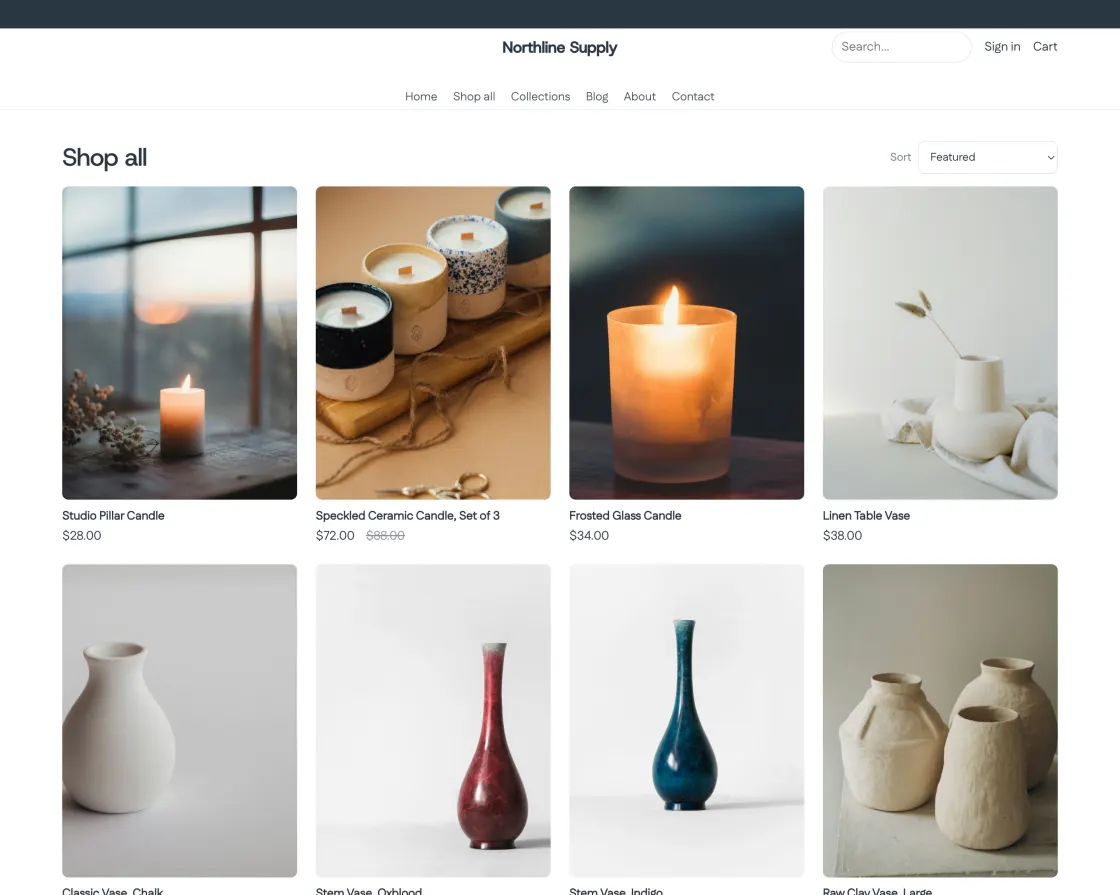


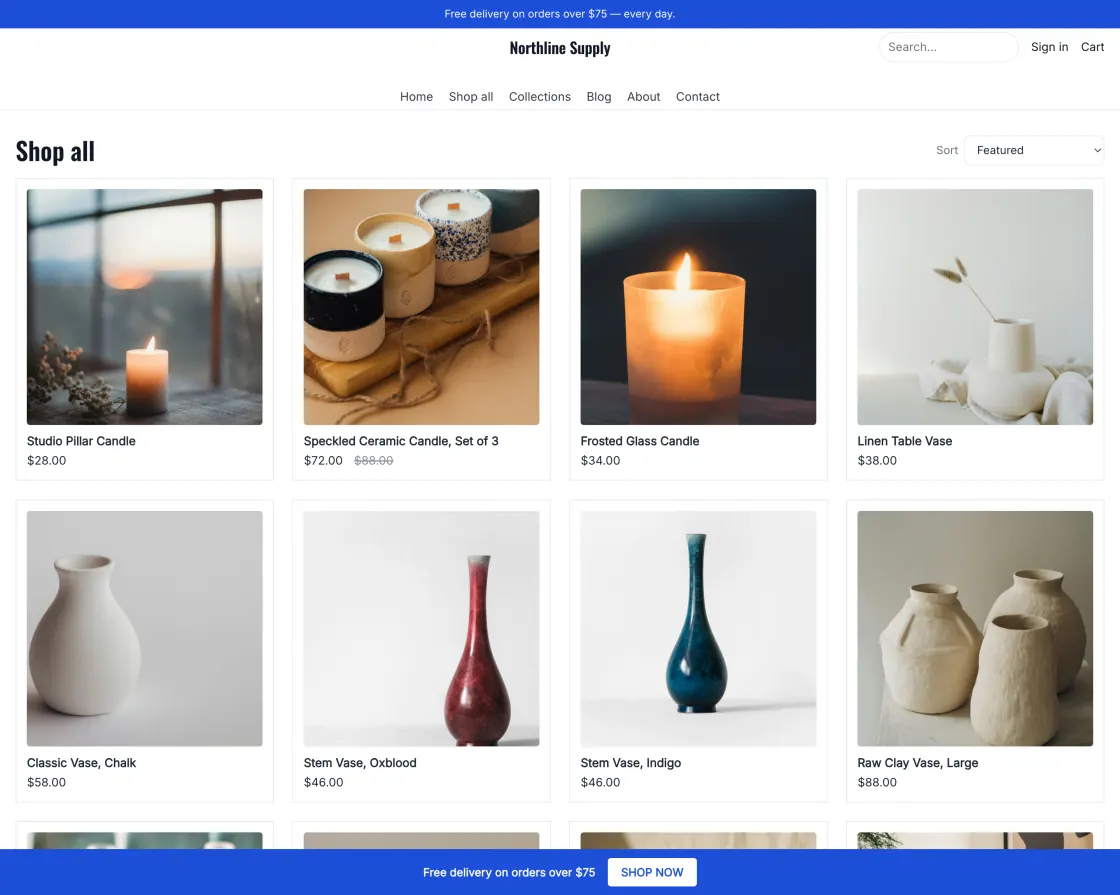

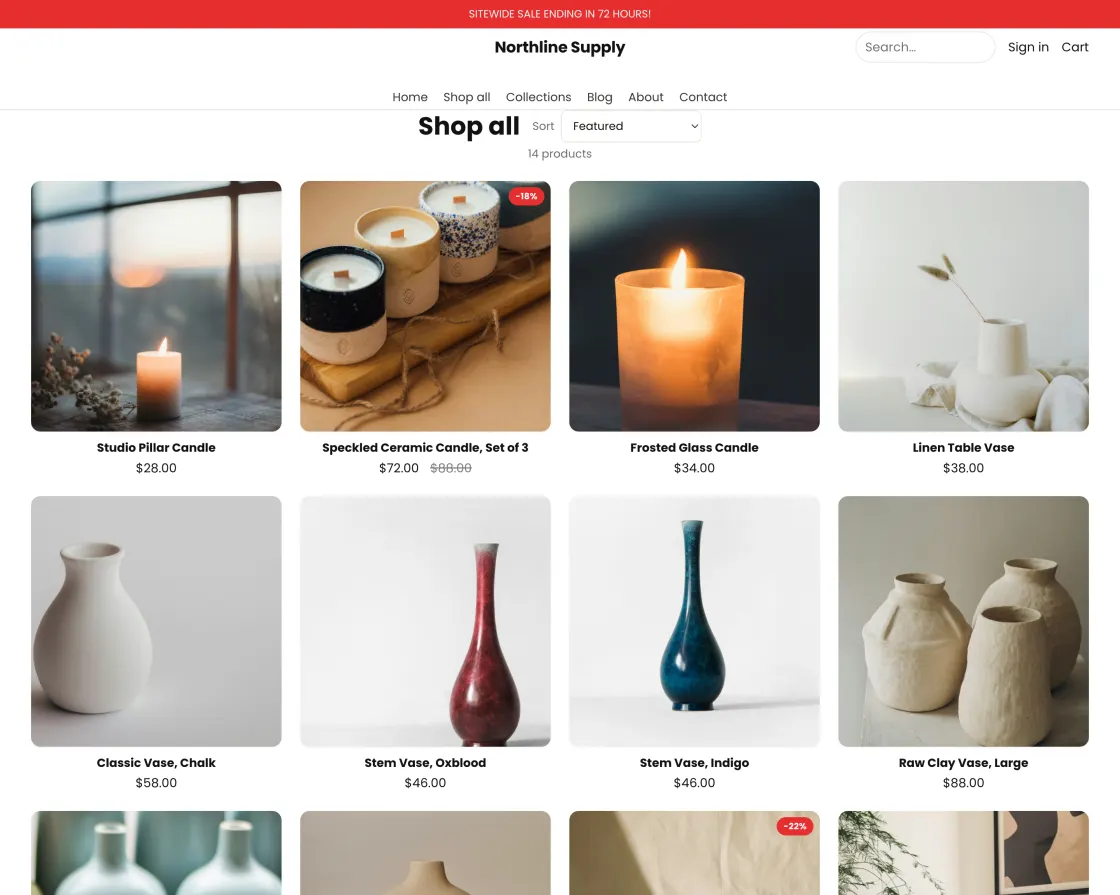
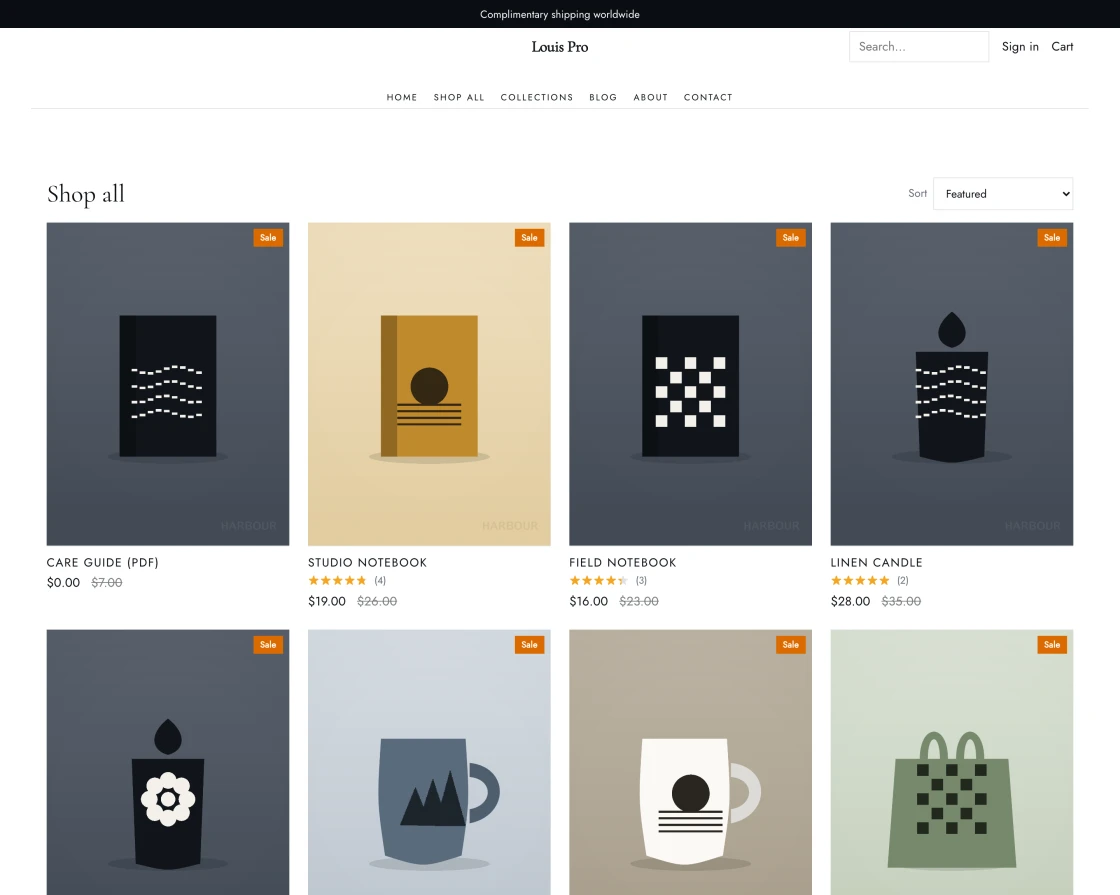
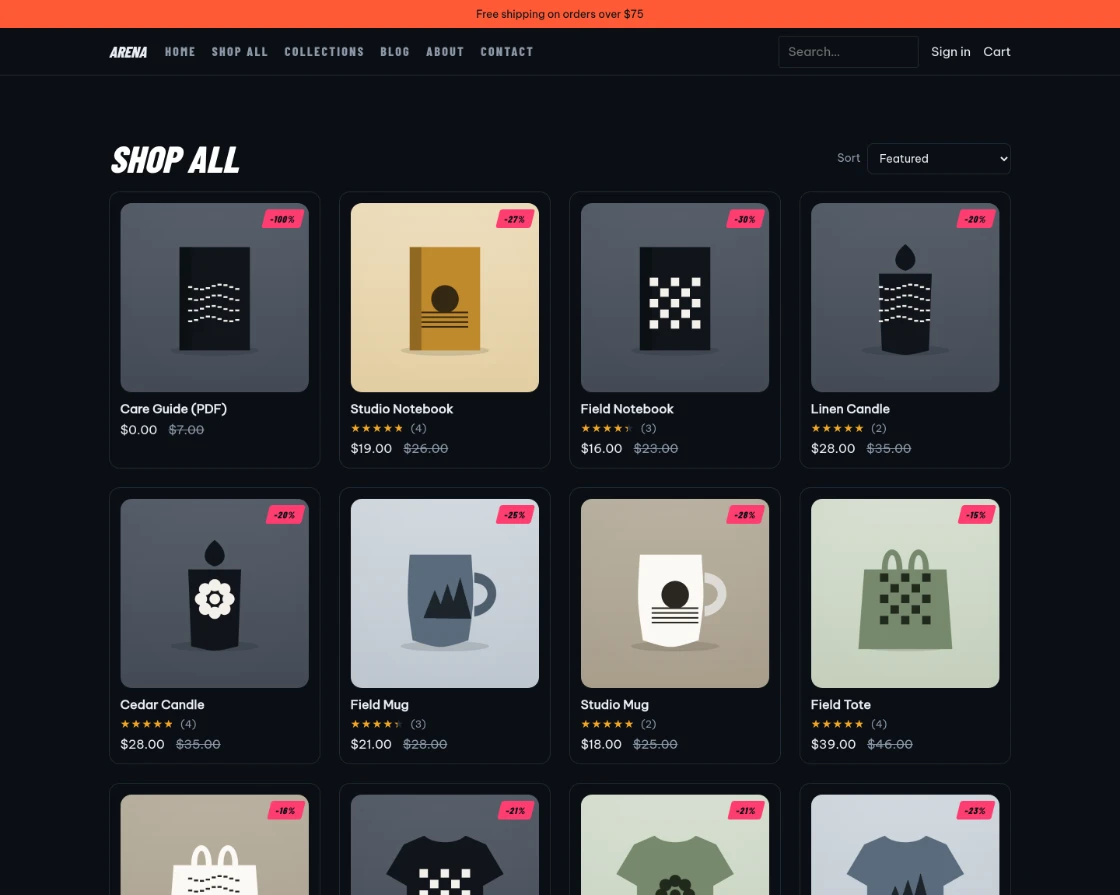
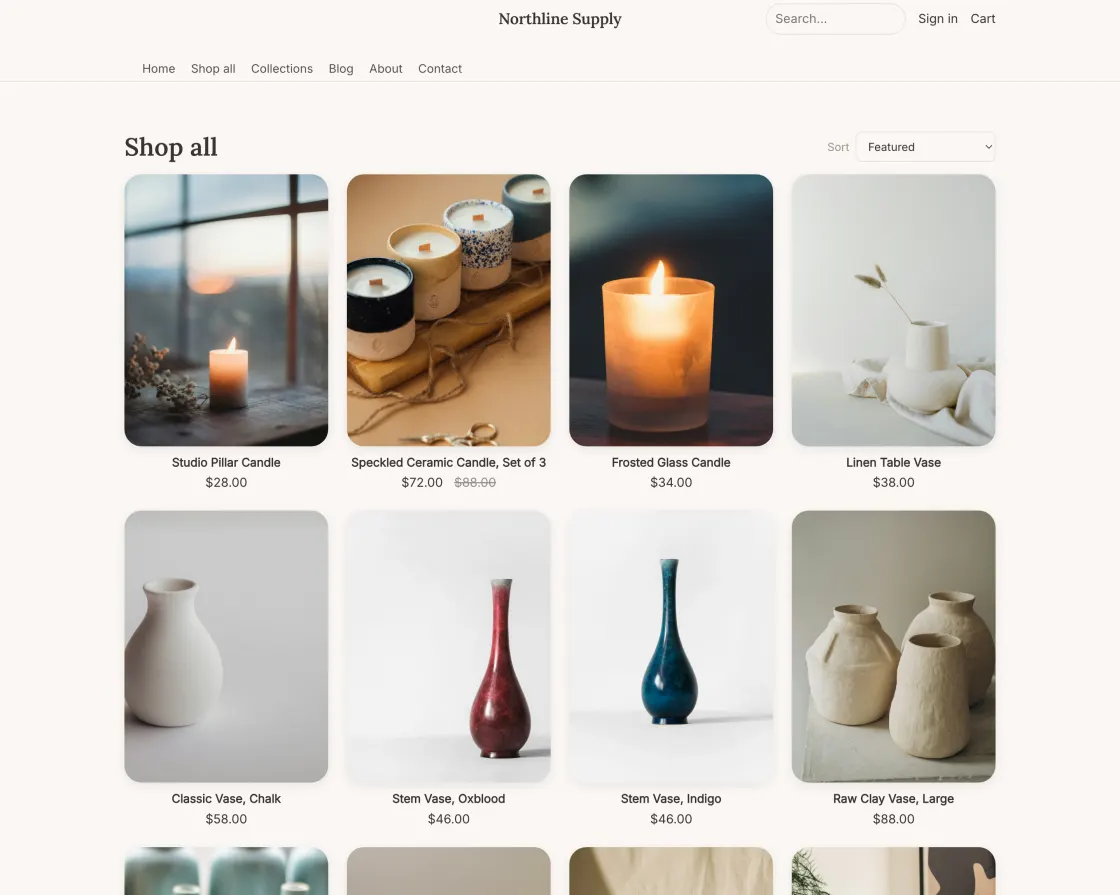

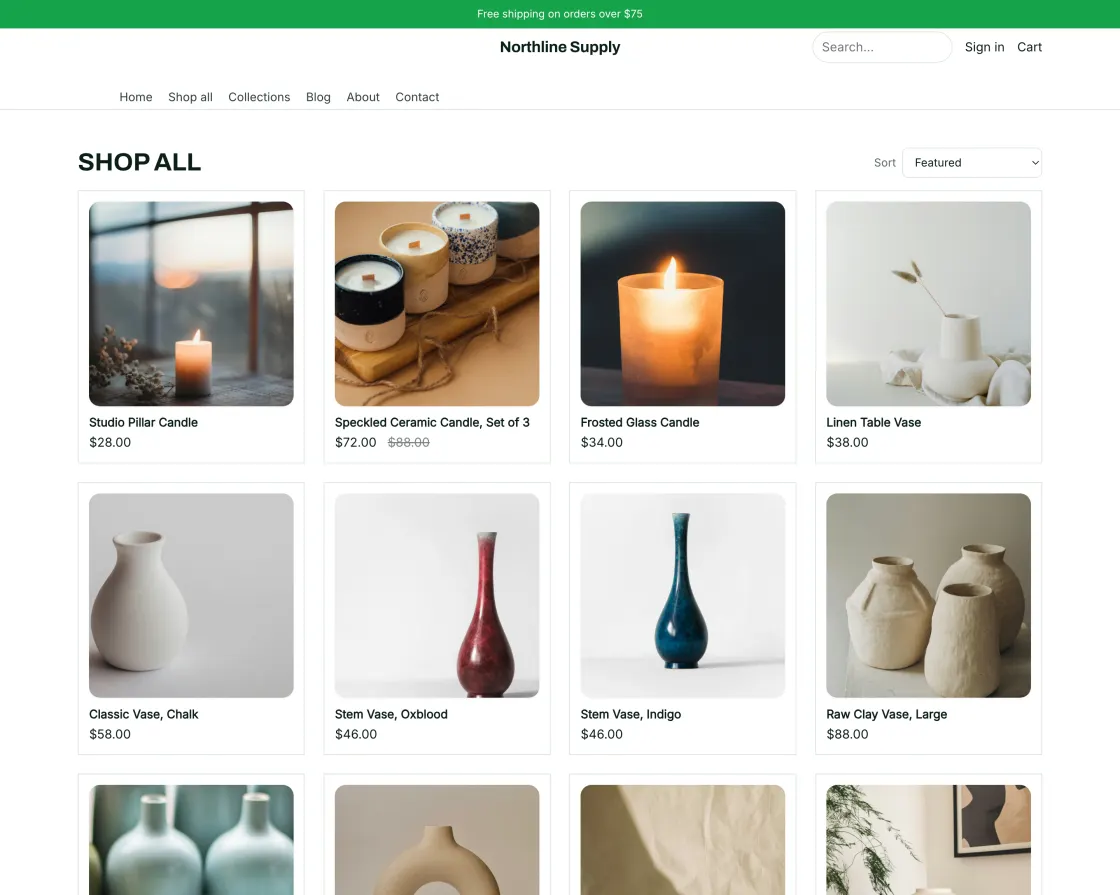



Every card opens that theme's live demo store. Scroll for the rest.
Three steps to your first order
- 1
Create a store
Sign in once and you get a store at your-handle.dikafy.com, ready to take orders. Connect a custom domain whenever you like.
- 2
Install a theme
Pick from the theme marketplace, then edit it in the visual builder — drag sections, change colours and type, publish when it looks right.
- 3
Connect your gateway
Paste your own Stripe or PayPal keys. Checkout goes live and the money goes straight to your account.
Common questions
Whose payment account does the money land in?
Yours. You attach your own Stripe or PayPal account and the buyer pays it directly. Dikafy never holds your funds, so there is no payout schedule, no reserve, and no platform cut of a sale.
Do you take a percentage of my sales?
No. You pay a monthly subscription for the platform. Card processing fees are whatever you have negotiated with your own gateway, and they are charged by that gateway, not by us.
Can I bring an existing store across?
Shopify catalogs can be imported — products, variants, images and collections. Themes do not transfer, because Dikafy themes are its own sections rather than Liquid, but the marketplace has a close equivalent for most common layouts.
Can I use my own domain?
Yes. Every store gets a free address immediately, and you can connect your own domain by pointing one CNAME record. SSL is issued and renewed automatically.
How much can I actually change about the look?
A lot. Themes are made of sections you can add, remove and reorder in a visual builder, including the header, footer, product page and cart drawer. Colours, type and card styles are token-driven, so a change applies consistently across the whole store.
What if I get stuck?
Email us and a human answers. There are also guides for the things merchants hit first — connecting a domain, connecting a gateway, and importing a catalog.
Ready to sell?
Create a store, install a theme, connect your own payment gateway. You can be taking orders today.